Each minute of our life is a lesson but most of us fail to read it. I thought I would just add my daily lessons and the lessons that I learned by seeing the people around here. So it may be useful for you and as memories for me.
Over the last several years working in healthcare technology, I have had a front-row seat to the industry’s accelerating relationship with artificial intelligence.
From primary care analytics and NHS interoperability programmes to leading AI-driven product development, I have watched organisations move from curiosity to urgency. Today, commissioners, clinicians, digital leaders, and software vendors are all trying to answer the same question:
How do we use AI to improve care without creating new risk?
The reality is more complex than most roadmaps admit.
Healthcare is adopting AI faster in ambition than in operational capability.
I have seen teams demand “an AI solution” before the problem is defined. I have watched pilots stall because workflows were not ready, governance was misaligned, and data quality could not support the promised outcomes. I have also seen the opposite — where structured safety frameworks, disciplined operations, and clinical ownership produced measurable improvements in care quality, safety, and efficiency.
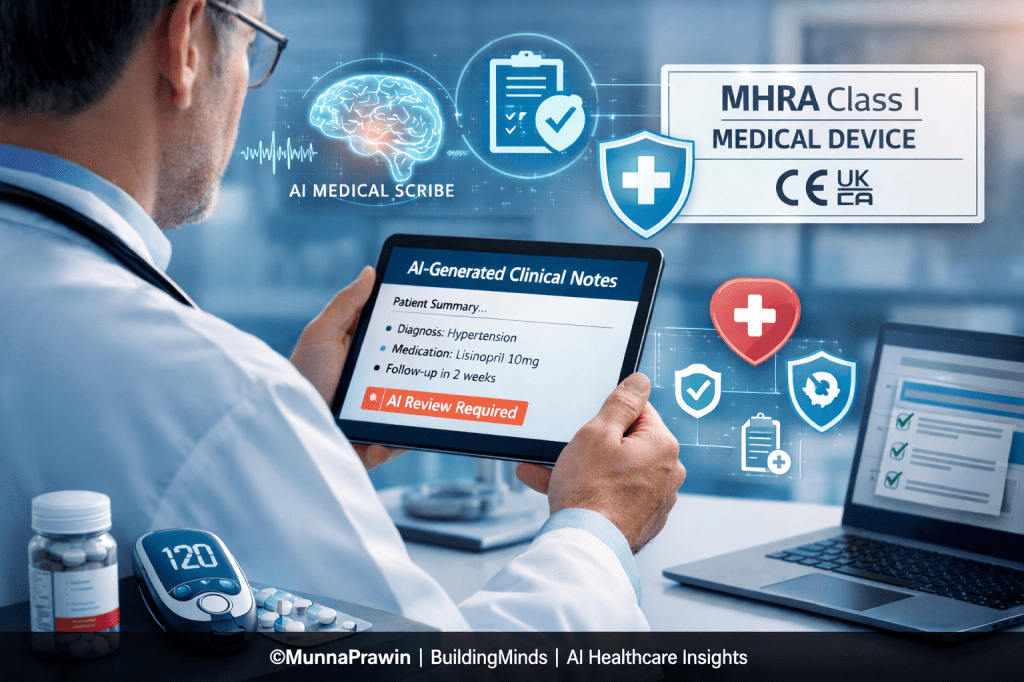
Nowhere is this contrast more visible than in Ambient Voice Technology (AVT) — AI scribes that listen to consultations and draft clinical notes.
Why AVT Forces the MHRA Class I Conversation
NHS England guidance and multiple NHS-adjacent safety and assurance discussions increasingly position summarisation-capable AVT tools within MHRA Class I medical device scope at minimum.
This is because AVT systems do not merely store information — they influence the clinical record itself. And the clinical record is care.
The NHS has said that any AI scribe that provides summaries for physicians must at a MINIMUM be a MHRA Class I medical device.
Previously, many AI scribes in the UK and EU could be used in hospitals without a medical device designation.
There is still a ton of uncertainty around what qualifies software as a medical device in the UK and EU as well as what features change a software’s risk class from a low risk Class I device into the higher risk territory of Class IIA+.
This NHS notice sets a regulatory floor in the UK for AI scribes, making most, if not all, medical devices.
While I’m sure this is alarming for many AI scribe companies, having this level of clarity on regulatory classifications is refreshing.
I might be a lone in that sentiment but it is a benefit in knowing exactly what your regulatory requirements are.
To dive into the details a bit more, the NHS has declared the following:
– Scribes that generate summarization must have at least MHRA Class 1 medical device status.
– Solutions aiming to produce generative diagnoses or management plans require at least MHRA Class IIa approval.
– Suppliers must provide evidence of real-world clinical validation within a care setting, demonstrating benefits such as enhanced efficiency, reduced administrative burden, and improved patient care and data quality.
– Patient data from clinical sessions should be automatically deleted unless legally or operationally required
Class I is not a registration hurdle.
It is the threshold at which regulators, commissioners, and NHS assurance bodies effectively ask:
Can we trust this company to behave like a medical device manufacturer — particularly when something goes wrong?
Anyone who has handled real incidents — logging safety concerns, coordinating root cause investigations, running calls with frontline clinicians, and closing corrective actions — understands that compliance is not theoretical.
It is operational muscle.
What Class I Readiness Actually Requires (Across the Organisation)
1. Product: Turning Features into Medical Claims
AVT companies must explicitly define:
- Intended purpose and non-purpose
- Outputs (transcripts, summaries, structured notes, coding suggestions, letters, write-back boundaries)
- Users and workflows
- Medical vs administrative positioning
- Traceability: feature → hazard → mitigation → test → release
Reality:
If your product generates “clinical summaries,” you must show how you prevent omissions, hallucinations, misattribution, and medication/allergy errors.

2. Development: Building Evidence, Not Just Code
Class I requires:
- Documented SDLC
- Risk-based testing
- Controlled release management
- Audit trails
- Enforced human-in-the-loop review
Reality:
Edge cases such as accents, interruptions, and noisy environments must have test evidence — these are not theoretical risks.
3. Clinical Safety: Designing for Real Workflow
Deliverables include:
- Formal hazard logs
- Clinical safety cases and sign-off governance
- Human factors analysis
- Clear “not for” boundaries
Reality:
A confident-sounding summary can be more dangerous than an obviously incomplete one.
4. Operations: Running a Regulated Service
This means:
- Incident runbooks
- CAPA governance
- Post-market surveillance
- Controlled change impact assessments
- Audit-ready evidence retention
Reality:
“Missed medication changes” are safety events, not feature requests.
5. Support: Safety Surveillance at the Front Line
Support must:
- Triage for clinical risk
- Escalate within defined timelines
- Trigger safety investigations
- Communicate advisories when needed
Reality:
This is where most AVT companies quietly fail.
6. Security & Privacy: Cyber Is Clinical Safety
AVT tools must demonstrate:
- DPIAs and mapped data flows
- RBAC and least-privilege access
- Encryption and vulnerability management
- UK-aligned breach response
7. Legal & Compliance: Becoming a Manufacturer
Class I readiness requires:
- Manufacturer registration
- Declaration of Conformity
- Supplier qualification
- Record retention governance
- Contractual clarity
Why So Many Companies Fall Short
In my experience, failure rarely comes from lack of talent.
It comes from underestimating the organisational transformation required.
Common failure patterns:
- Vague intended use
- No traceability
- Uncontrolled model updates
- Support teams not safety-trained
- Weak post-market surveillance
For AVT, tolerance for these gaps is shrinking rapidly.
A Practical Class I Readiness Test
If a clinician asks:
“This note was wrong — what happens now?”
Can your organisation answer in under 60 seconds — clearly, safely, and with ownership?
If not, Class I readiness does not exist yet.
Final Thought
MHRA Class I is not about compliance theatre.
It is about proving your AVT product can operate safely inside real clinics — under pressure, interruptions, and imperfect data — without making clinicians the safety net for your technology.
That is the real standard.
References:
https://www.heidihealth.com/en-us/blog/ai-medical-scribe-legal-implications
If you wanna share your experiences, you can find me online in all your favorite places LinkedIn and Facebook. Shoot me a DM, a tweet, a comment, or whatever works best for you. I’ll be the one trying to figure out how to read books and get better at playing ping pong at the same time.




 Thoughts To Inspire